
If email is eating your day, the fix is not “check it less.” The fix is a reply system that cuts decisions, not just messages. This article shows a workflow you can set up quickly and keep using without turning your inbox into a second job.
Why this problem happens
Most people think email is slow because there is too much of it. In practice, it is slow because every message forces a new decision: answer now, save for later, forward, archive, or ignore.
The hidden problem is that inboxes mix three jobs in one place: reading, sorting, and replying. When those jobs stay tangled together, you keep re-reading the same messages and re-deciding the same things.
Here is the part people miss: email is not a communication problem first; it is a decision system problem. Once you reduce decisions, the inbox gets faster even before you change tools.
The practical system
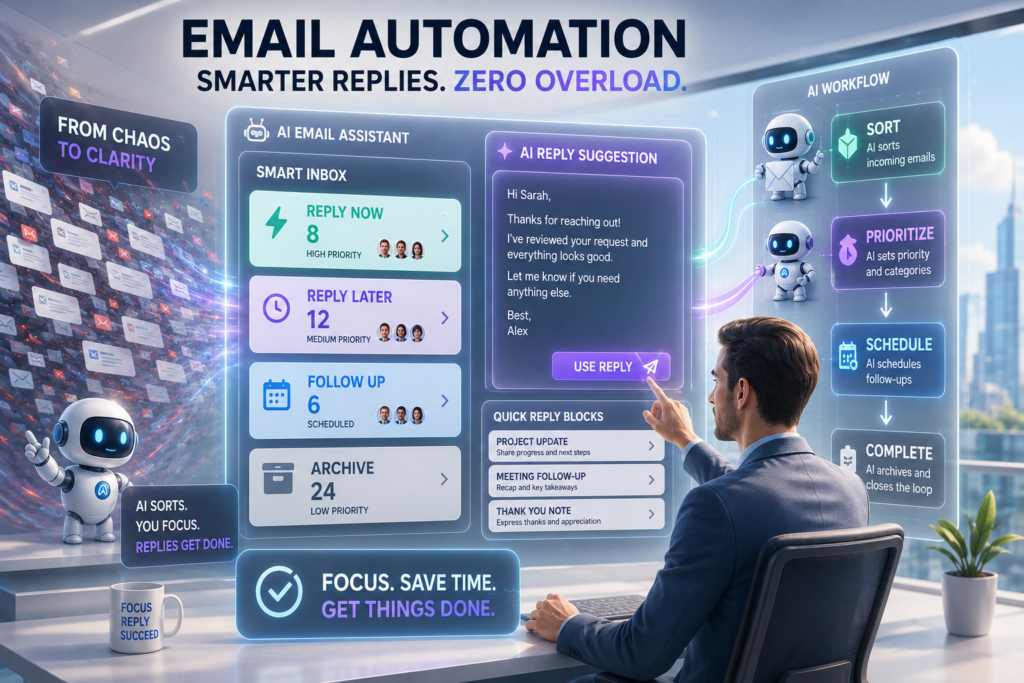
Use one simple system: sort incoming mail into clear categories, answer the easy ones in batches, and defer the rest with a visible next action. That is enough for most people to cut the feeling of constant inbox pressure.
The system works best when it has four parts:
- A rule for what gets answered immediately.
- A reply template library for repeat questions.
- A follow-up rule for messages that need time.
- A cleanup rule for everything else.
The tradeoff is simple: you give up the illusion of “instant handling” in exchange for much better control. That usually feels slower for one day and faster for every day after that.
Step-by-step implementation
1. Split messages by decision type
Put every incoming email into one of three groups: reply now, reply later, or archive. This makes the inbox a triage tool instead of a to-do list.
Why it matters: you stop treating every unread message as a live problem.
Common mistake: reading messages first and deciding later.
Expected result: fewer mental interrupts and faster sorting.
2. Define what “reply now” means
Keep “reply now” very narrow. Use it only for short, clear messages that need less than two minutes or that block another person’s work.
Why it matters: if the urgent bucket is too big, the system collapses.
Common mistake: putting emotionally important messages into the urgent group just because they feel uncomfortable.
Expected result: the quick-response queue stays small and usable.
3. Build reusable replies
Write short templates for the messages you answer most often. Think of questions about timing, pricing, next steps, missing details, status updates, and confirmations.
Why it matters: repeated wording is one of the easiest things to remove from your day.
Common mistake: trying to make every reply sound fresh when the real need is clarity.
Expected result: routine replies become copy, adjust, send.
4. Reply in blocks, not all day
Choose one or two fixed reply windows and process messages only then. During those windows, clear the quick answers first, then move the rest into follow-up mode.
Why it matters: constant checking destroys focus faster than volume does.
Common mistake: replying the moment a message lands because it feels efficient.
Expected result: more consistent output and fewer context switches.
5. Assign a next action to every delayed message
If a message cannot be finished now, give it a next step immediately. That next step can be a reminder, a task, a draft reply, or a specific waiting period.
Why it matters: “I’ll remember this later” is where email work disappears.
Common mistake: leaving unfinished messages in the inbox as a memory system.
Expected result: fewer missed follow-ups and less inbox anxiety.

Common mistakes
The biggest mistake is trying to make the inbox perfectly clean instead of making replies predictable. A clean inbox is not the goal. A repeatable response process is the goal.
Another mistake is automating unstable work. If your email types keep changing, heavy automation creates more maintenance than it saves. That is why a template-based workflow usually beats a more complicated setup.
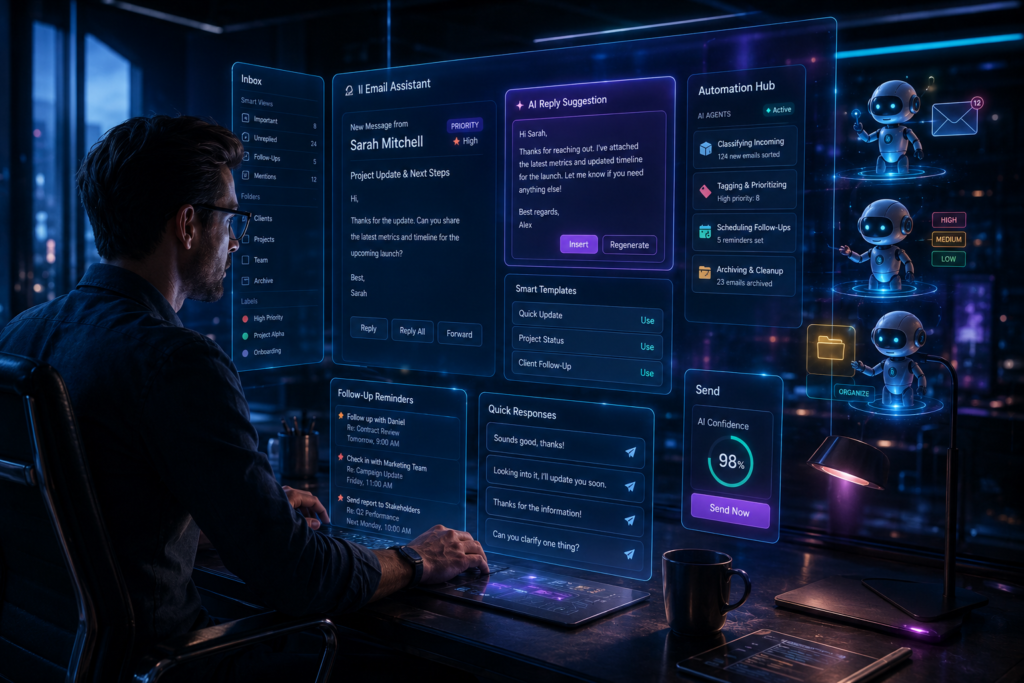
A third mistake is overusing AI for judgment-heavy messages. AI is useful for first drafts, summaries, and routine answers, but it is weaker when the message needs nuance or relationship management. The best use is to shorten blank-page time, not replace your judgment.
Recommended tools
Superhuman
Superhuman works best for people who send and read a lot of email every day and want speed through keyboard shortcuts, prioritization, and fast drafting. It saves time when the bottleneck is inbox handling, not writing strategy. The limitation is cost, and it only pays off if you are willing to change your workflow.
SaneBox
SaneBox is useful when the main issue is clutter and too much low-priority mail. It helps by sorting noise away from the main inbox so you can focus on real replies. The limitation is that it is better at filtering than at building a full response system.
Clean Email
Clean Email is a good fit when the immediate problem is cleanup, bulk sorting, and old-message overload. It saves time by helping you remove noise and organize large inboxes faster. The limitation is that cleanup alone will not fix slow reply habits.
When this approach is not the best choice
This approach is weaker if your emails are rare but deeply complex. In that case, the problem is not speed; it is context, and the better fix may be better project notes or better team communication.
It is also not ideal if your work depends on real-time back-and-forth all day. Some roles genuinely need constant availability, so the goal then becomes reducing friction inside that reality, not escaping it.
Final action plan
Start with these four moves:
- Create three buckets: reply now, reply later, archive.
- Write five short templates for your most common messages.
- Set two email windows per day.
- Add a follow-up rule for anything unfinished.
That is enough to build a faster email reply system without overbuilding it. The memorable rule is simple: speed comes from fewer decisions, not faster typing.
FAQ
How many email templates should I write first?
Start with five. That is enough to cover the messages you keep rewriting without making the system feel complicated.
Should I use AI to write all my replies?
No. Use AI for routine replies, summaries, and first drafts, then edit for judgment and tone when needed.
Do I need a special email app?
Not always. A good workflow helps in any email client, and tools only matter when they remove a real bottleneck.
Key Takeaways
- Email feels slow because of repeated decisions, not just message volume.
- Reply systems work better than inbox cleanup alone.
- Templates save more time than rewriting every message.
- Batch replies reduce context switching.
- Follow-up rules prevent dropped threads.
Suggested Internal Links
- How to Build AI Reply Templates for Repetitive Emails
- AI Workflow for Admin Tasks That Repeat Every Week
- How to Use AI for Faster Business Writing
- Inbox Automation Without Breaking Your Workflow
Suggested Pinterest Pin Hooks
- Build a Faster Email Reply System in 4 Steps
- Stop Letting Email Control Your Day
- The Simple Workflow That Makes Email Easier
- Faster Replies Without Living in Your Inbox
Suggested Featured Snippet
A faster email reply system is a workflow that sorts incoming messages by decision type, uses templates for repeated replies, batches responses into fixed windows, and assigns a next action to every delayed email.